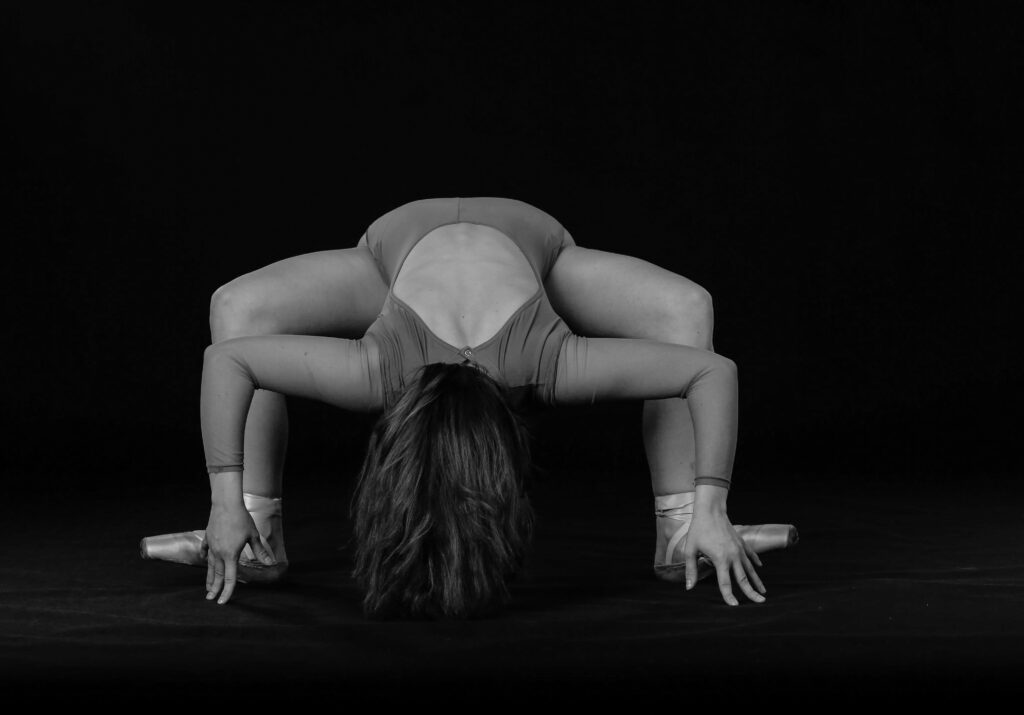
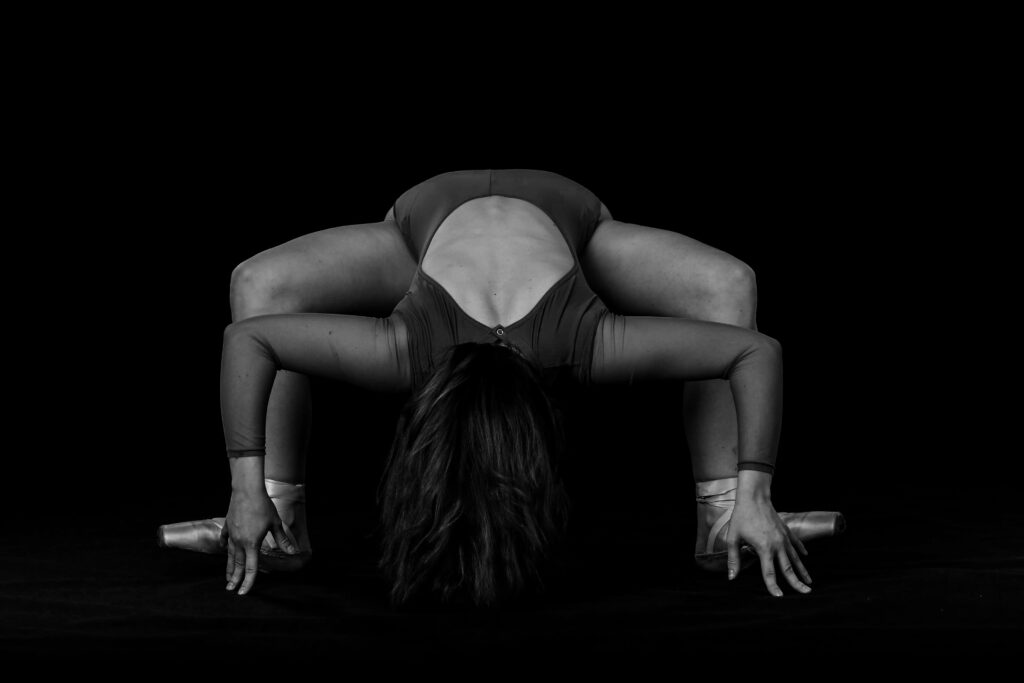
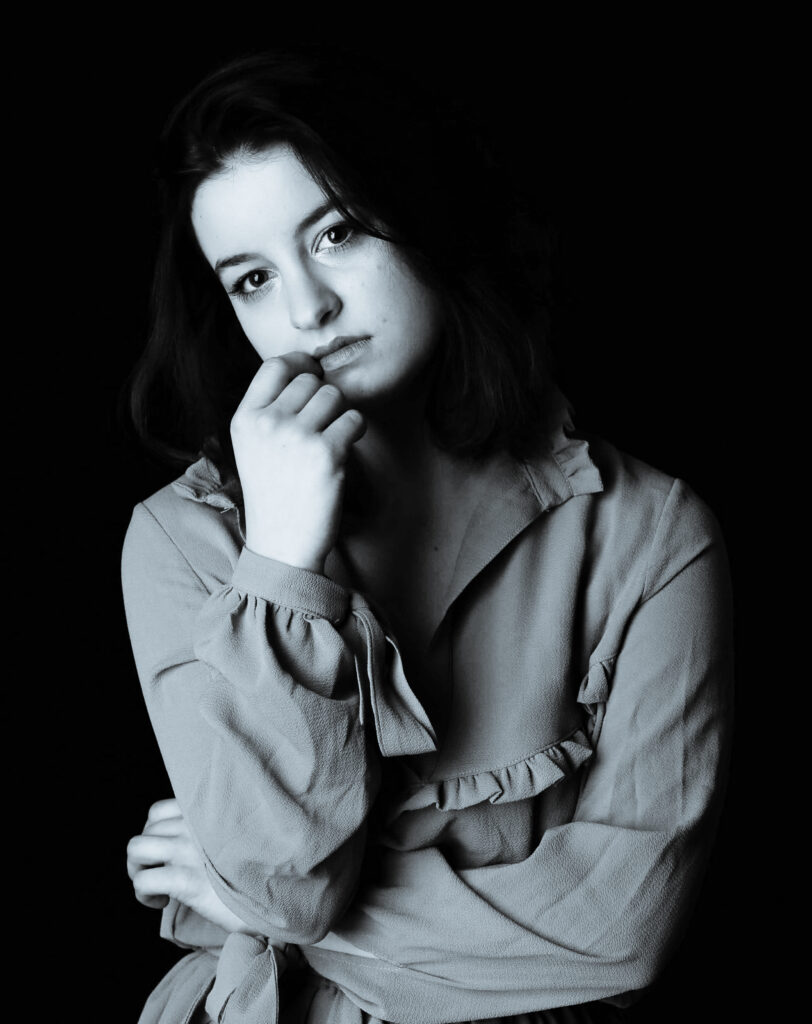
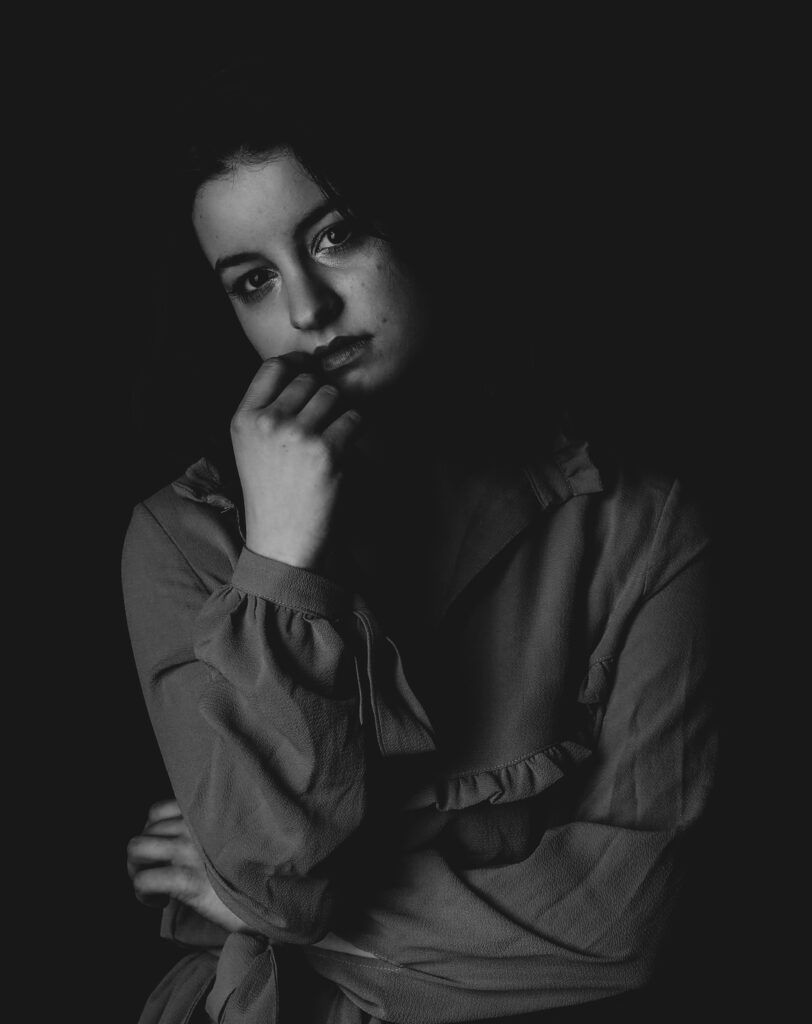
In a world that constantly demands our attention, it’s easy to invest all of our time and energy in things that give us superficial fulfillment. It’s through this economy of attention that we’re made to carry out choices that are detrimental to our health, both physically and/or mentally, and wear down our ability to make logical decisions. As a result, it’s important to stop lingering on things that are out of our control and focus on what we can control: our relationship with ourselves. We are the best investment that we can ever make throughout our entire life, and when you take care of yourself, you take care of everyone else around you by proxy. So just remember. You are worthy. You are valid. And, you certainly are loved.
Hello, and welcome back to another week of Industrious Illustrating! This week, I’m sharing some background paintings I made for the UMich anime club’s visual novel (interactive choose-your-own adventure video game made up entirely of cutscenes) project about three girls piloting big robots in space and falling in love with each other along the way. But the focus of these three backgrounds is less on the girls and more on setting a scene for the drama and action unfolding in the storyline.
For this background, I wanted to make an asteroid field that looks like a somber, quiet place where two people can have a conversation in the vacuum of space. The blue-grey color palette and lonesome star illuminating the dust clouds were selected for this purpose.
For this background, I wanted to make a desolate, empty desert where the dark sky, winding sand dunes, and distant mountains create a landscape where you can have a heart-to-heart with someone you didn’t actually know very well.
And this is just a regular starry background for any conversations, fights, etc. that happen while crossing the open expanse of space.
That’s all the background art I have to share this week, but that’s not the end of this post!
As a reminder, I’m selling artwork at Con Ja Nai tomorrow, which is UMich’s one-day anime convention in the Modern Languages Building, from noon to 6 PM! There will be a bunch of other artists and vendors also selling in the building, alongside a maid cafe, panels, anime showings, and more. My booth (Table A2) will look something like this.
I hope to see you guys there! If not, I hope you’ll stick around for more Industrious Illustrating as the semester draws to a close!
If you’ve read last week’s post you now know my take on B&W photography and how in my opinion a lot of times it is used to cover up mistakes made in the original photograph before the edit. I argued that the best B&W photos are the ones that are intended to be B&W photos from the start, yet, I think you can absolutely discover that your photo is “eligible” for B&W photography in the editing phase. I’d strongly encourage you to try it, just for the sake of it, but while doing so keep in mind that it is supposed to add something to the photo, not rescue it. That’s why in this post I will try to explain some things to avoid if you try B&W filters.
Now, I chose photos that in my opinion do better in color but could look good in B&W too.
too much contrast
too “faded”
ok
The first photo is one of my worst nightmares and it’s using way too much contrast, detail, and texture. It just looks burnt for some reason. People do that kind of editing often in color too, but I think it’s easier to commit this crime when shooting in B&W. Just please don’t.
The second image is way too faded on the other hand. I believe for this I used a Lightroom present (these can be helpful sometimes but 1. not every preset fits every photo and 2. not all of them are good). It is supposed to look misty but instead, you have a complete loss of texture. It’s not as bad as the first one but it definitely flattens the image. The third photo (while not ideal), balances the contrast with texture and brings out the figure out of the black background without making it feel like it’s cut out.
ghost
faded
ok
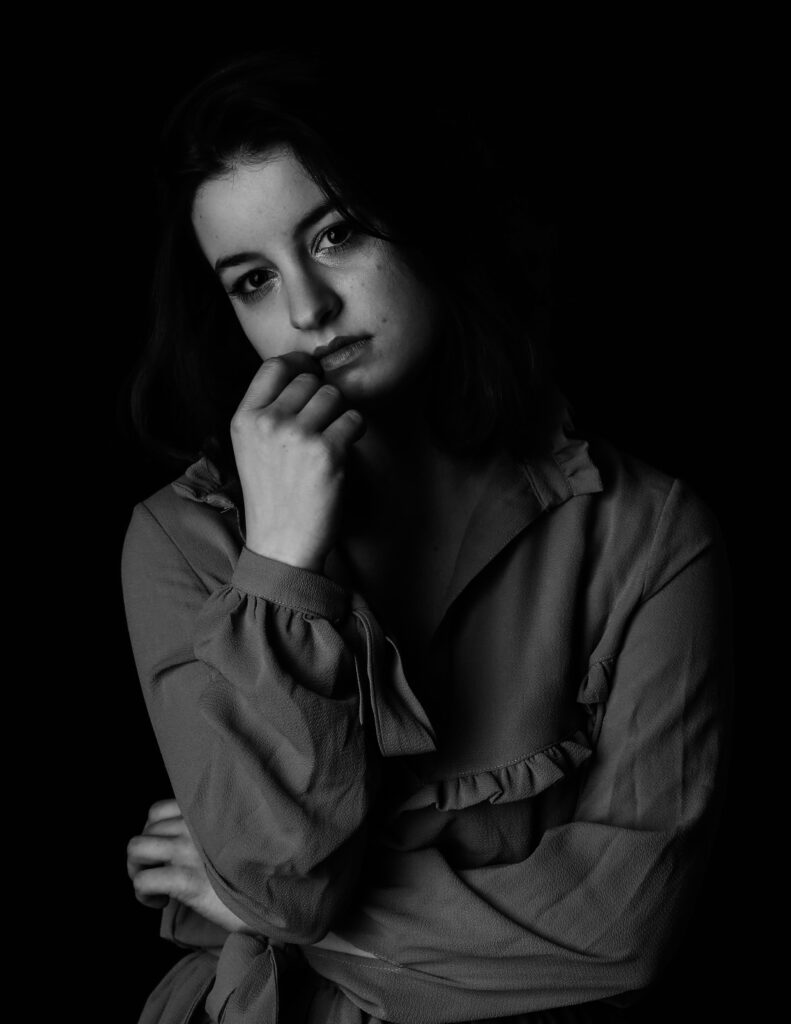
Many times we decide to edit in B&W it’s actually when working on portraits so we can add some “mystery” to it. Well, the first one makes the figure look like a ghost. It’s simply way too enhanced on highlights with cold tones. My mom who actually used to be a photographer (hi mom) always says that for some reason photos like this make her think of obituaries. Please don’t overexpose and don’t cool down the image too much.
The second image is a very very popular edit people use in social media. It’s a faded preset that flattens the image while also lightening the shadows and increasing the brightness (not necessarily exposure) of the picture. Is it terrible? No, it can be cute sometimes. Is it professional? Absolutely not.
In the last picture, again, you see there is a balance between the shadows and whites. You want the person to be coming out of the background but not blend with it. I actually increased the texture here by a few points to make that distinction, increased contrast, turned down highlights, and increased shadows by a tiny tiny bit.
Let me know if you like this new format of posts so I can think of more opinion pieces/tutorials. See you next week!